
Facebook SMS Verification: Sign Up Without Your Own Number
Creating a Facebook account is usually simple, but sometimes Facebook asks for SMS verification before you can continue. Many users prefer not to share their…
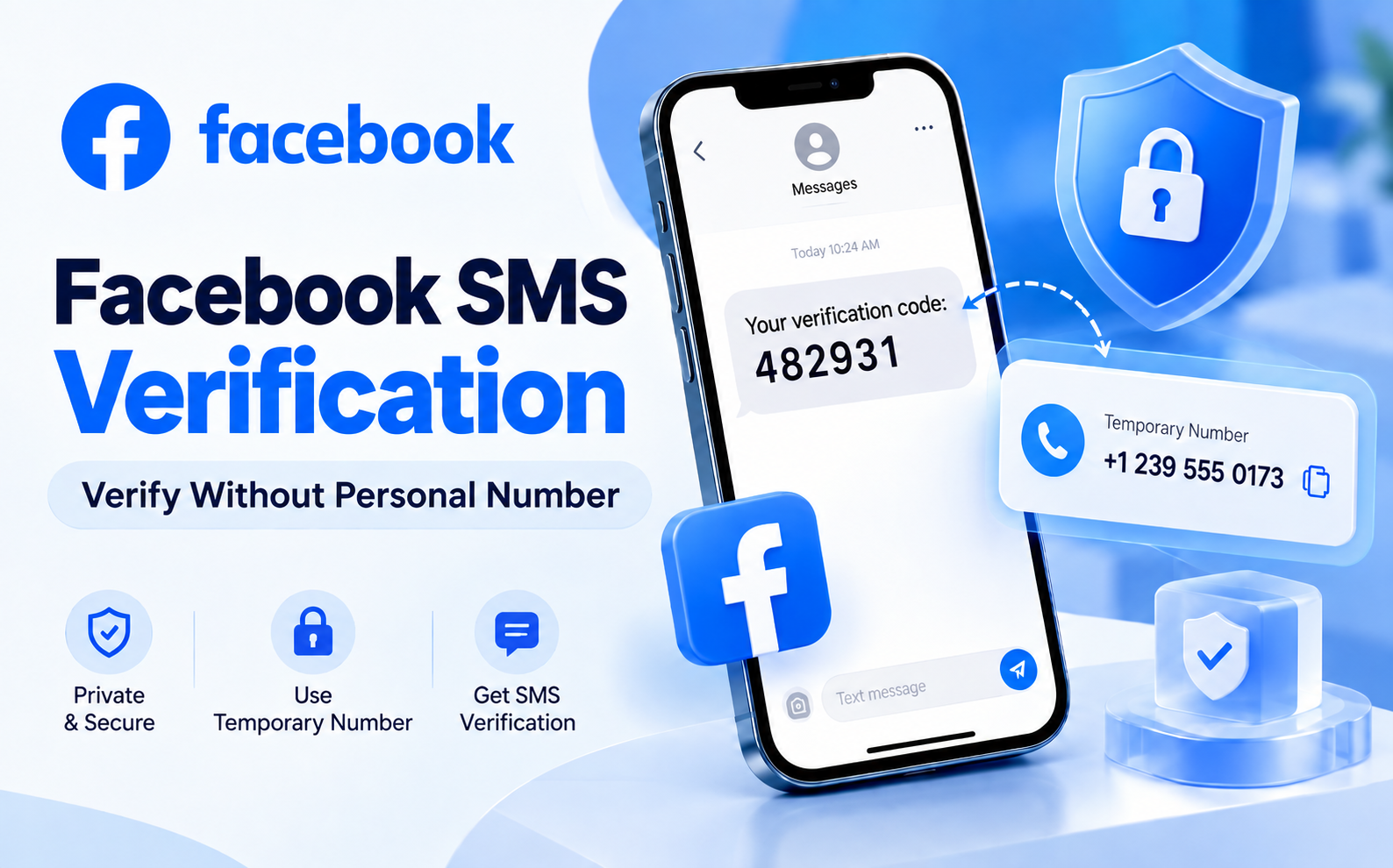
Creating a Facebook account is usually simple, but sometimes Facebook asks for SMS verification before you can continue. Many users prefer not to share their personal phone number because of privacy concerns, or they may already have a number connected to another account.
In these situations, using a temporary SMS number can be a practical option. Dice SMS helps users receive verification codes without sharing their personal number.
Does Facebook Always Need SMS Verification?
Facebook does not always require a phone number during account creation. You can usually start by signing up with your name, email address, password, and other basic details.
If you use an email address, Facebook may send a confirmation link instead of an SMS code. However, some accounts may still receive additional security checks later.
Facebook may request phone verification when:
You create a new account and Facebook needs extra confirmation.
You log in from a new device or location.
Your account activity looks unusual.
You need to complete a security check.
These checks help Facebook reduce fake accounts and protect users. In some cases, Facebook may ask for other verification methods, such as identity confirmation or additional security steps.
Why Use a Temporary Number for Facebook Verification?
Using your personal phone number online can sometimes create privacy concerns. A temporary SMS number allows you to receive verification messages without exposing your main number.
Some common reasons people choose temporary numbers include:
Keeping their personal number private.
Avoiding unwanted messages on their main phone.
Creating accounts for testing or temporary purposes.
Using a different number when their existing number is already linked.
A temporary number is mainly useful for receiving one-time verification codes. For long-term account security, always connect a recovery email and use additional security features.
How to Complete Facebook SMS Verification with Dice SMS
The process is simple and takes only a few steps.
1. Create Your Dice SMS Account
First, register on Dice SMS and add credits to your account. You only use credits when you request a verification number.
2. Open Facebook Verification Page
Go to Facebook and continue until you reach the phone verification step. It is better to request a number only when you are ready because SMS numbers are usually available for a limited time.
3. Select Facebook and Choose a Country
Inside Dice SMS, select Facebook as the service and choose an available country. You can check the available numbers and pricing before making a request.
4. Receive Your Verification Code
After requesting a number, enter it on Facebook. Keep your Dice SMS page open and wait for the SMS code to appear.
Once the message arrives, enter the code on Facebook to complete verification.
Facebook Verification Code Not Received? Try These Fixes
Sometimes SMS verification may not work immediately. Here are some common solutions:
Check the Number Details
Make sure you entered the correct country code and phone number. Even a small mistake can prevent the message from arriving.
Avoid Requesting Too Many Codes
Sending multiple requests quickly can trigger security limits. If you request too many codes, wait before trying again.
Try Another Country
Some numbers may not work because of availability, previous usage, or platform restrictions. Choosing another available country can help.
Use Email Verification When Available
If Facebook allows email confirmation, it may be easier than completing SMS verification.
Secure Your Facebook Account After Verification
A temporary number is useful for receiving a verification code, but it should not be your only recovery option.
After creating your account:
Add and confirm your personal email address.
Enable two-factor authentication using an authenticator app.
Save your recovery codes in a safe place.
Review your Facebook security settings.
These steps help you keep access to your account even if the temporary number expires.
Is a Temporary SMS Number Safe?
A temporary SMS number can help protect your privacy when used correctly. It is useful for receiving one-time verification codes without sharing your personal number.
However, always follow Facebook’s rules and use accounts responsibly. Avoid creating fake profiles, impersonating others, or using accounts for harmful activities.
Choose Dice SMS for Easy Facebook Verification
Dice SMS provides a simple way to receive verification codes while keeping your personal number private. With easy access to temporary numbers, multiple country options, and a simple process, users can complete SMS verification without using their main phone number.
Whether you need extra privacy or your current number is unavailable, Dice SMS makes online verification easier.
Ready to try it yourself?
Get a Number Now