
How to Create a Google Account Without Using Your Personal Phone Number
Introduction Creating a Google Account is usually a quick process, but many users become confused when Google asks for phone verification. Some people prefer…
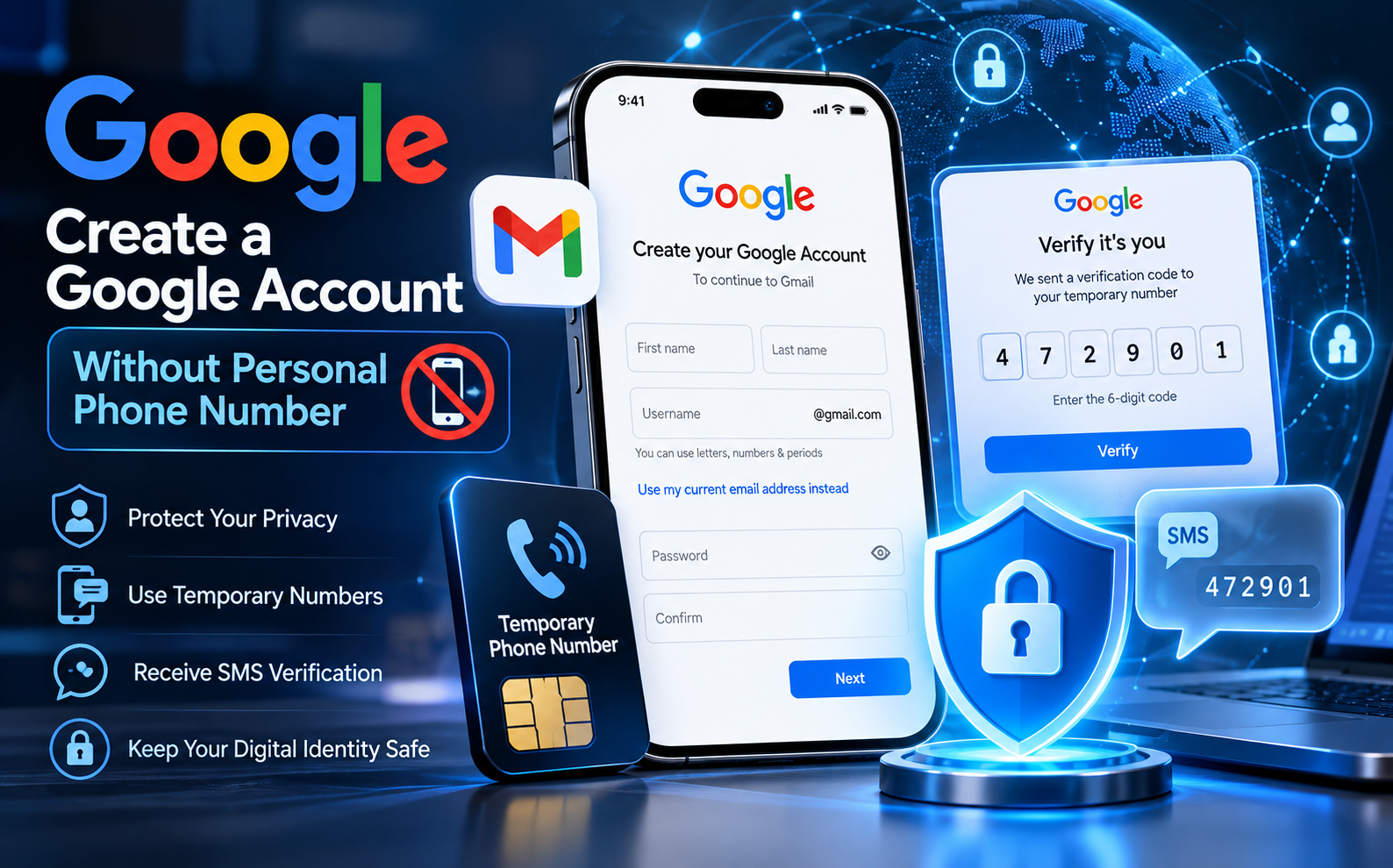
Introduction
Creating a Google Account is usually a quick process, but many users become confused when Google asks for phone verification. Some people prefer not to share their personal phone number because of privacy concerns, while others simply need a separate account for work, testing, or personal projects.
The good news is that Google does not always require a phone number during account creation. In many cases, you can create an account without adding your personal mobile number. However, Google may request verification depending on different security checks.
This guide explains why Google asks for phone verification, how to create another Google Account, and what options you have if you need an OTP verification number.
Does Google Always Require a Phone Number?
No, a phone number is not always required when creating a Google Account. During signup, Google may allow users to continue without adding a phone number.
However, Google sometimes requests phone verification to confirm that the account is being created by a real person. This helps reduce spam, fake registrations, and automated account creation.
The verification requirement can depend on several factors, such as:
Your device or browser activity
Location and region
Number of accounts created recently
Google’s internal security systems
Because Google does not publicly share the exact rules behind these checks, there is no guaranteed method to avoid verification every time.
If Google provides a skip option, you can continue without adding a number. If verification becomes mandatory, you will need a number that can receive an SMS code.
Why People Create Additional Google Accounts
Many users create a second Google Account for practical reasons. Having separate accounts can make online activities easier to manage.
Common reasons include:
Work and personal separation:
A dedicated account for business emails, documents, and professional communication keeps your personal inbox organized.
Privacy management:
A separate account can be useful for newsletters, online registrations, communities, and services where you do not want to share your main email.
Testing purposes:
Developers and digital marketers often need additional accounts to test apps, tools, and services.
Project management:
Businesses may create accounts for different projects that can later be transferred to team members.
Creating another Google Account follows the same process as creating your first one. The main challenge is that your existing phone number may already have reached Google’s verification limit.
Using a Temporary Number for Google OTP Verification
When Google requires phone verification, some users choose a temporary OTP number instead of using their personal SIM.
A temporary number allows you to receive the verification SMS without connecting your private phone number to the account.
The basic process is simple:
Choose a trusted OTP service that provides SMS receiving numbers.
Select an available country number.
Use that number during Google account signup.
Request the verification code from Google.
Receive the SMS code and enter it to complete verification.
The number should match the country code selected in Google’s signup form. For example, if you use a US number, you should select the United States country option during verification.
Important Privacy Considerations
A temporary number is useful for receiving a one-time verification message, but it should not be your only account recovery method.
After verification, it is recommended to secure your Google Account by adding:
A recovery email address
Backup security codes
An authenticator app for two-step verification
Avoid using a temporary number as the main recovery phone because you may not have access to it permanently.
Your account security should depend on recovery methods that you personally control.
Common Google Phone Verification Problems
Users often face different issues during OTP verification. Some common problems include:
“This phone number cannot be used for verification”
This usually happens when a number has already been used too many times for account verification. The solution is to try another number.
Verification code does not arrive
Check that:
The selected country matches the phone number.
The number is entered correctly.
The SMS service supports Google messages.
Avoid repeatedly requesting new codes because too many attempts can temporarily block verification.
Too many verification attempts
Google may temporarily restrict repeated signup attempts. Waiting before trying again is usually better than continuously requesting codes.
Choosing the Right Number for Google Verification
Not every number works equally well for OTP verification. Reliable numbers usually have better network connections and a stronger reputation.
When selecting a verification number:
Choose numbers from trusted mobile networks.
Make sure SMS receiving is available.
Select a country currently supported by the service.
Avoid repeatedly using the same number for multiple accounts.
Availability and pricing can change over time, so always check available options before requesting a number.
Conclusion
Creating a Google Account without your personal phone number is possible in many situations, but Google may request verification depending on its security checks.
If phone verification is required, using a reliable OTP number can help complete the process while keeping your personal number private. However, after creating the account, always secure it with a recovery email, backup codes, and stronger authentication methods.
A smart approach to account creation is not only about passing verification but also protecting your digital identity for long-term use.
Ready to try it yourself?
Get a Number Now