
Instagram SMS Verification: Create an Account Without Your Phone Number
Creating an Instagram account usually takes only a few minutes, but some users face a problem when Instagram asks for phone verification. Many people do not…
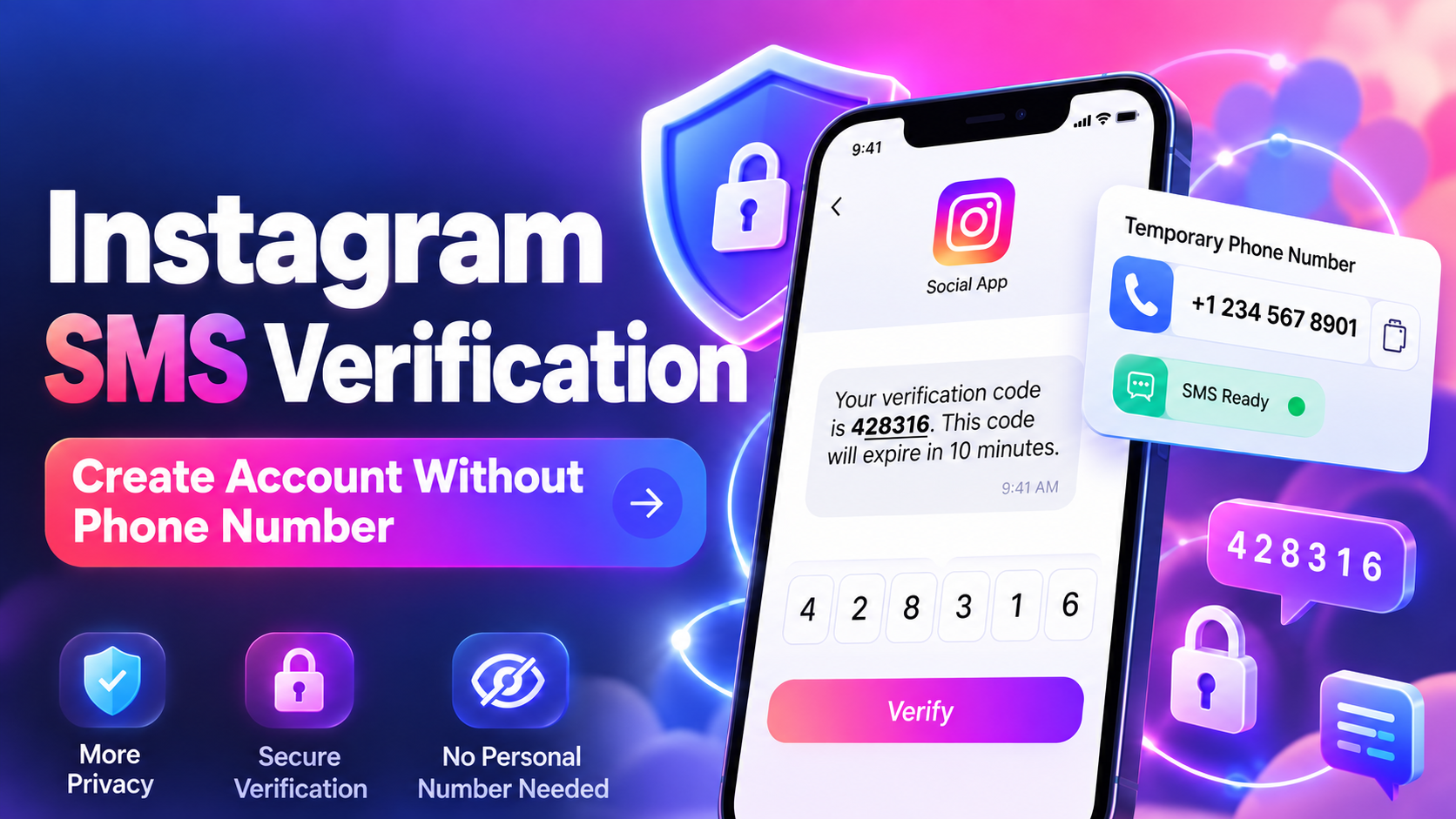
Creating an Instagram account usually takes only a few minutes, but some users face a problem when Instagram asks for phone verification. Many people do not want to share their personal number, while others may not have access to a number that can receive SMS.
A temporary SMS number can help you receive the Instagram verification code without using your personal phone number. Dice SMS provides private temporary numbers that make the verification process simple and convenient.
Do You Need a Phone Number to Create an Instagram Account?
No, Instagram does not always require a phone number when creating a new account. You can usually register using your email address instead.
During the signup process, Instagram may ask for:
Email address or mobile number
Confirmation code
Password
Birthday
Username and profile details
If you choose email registration, Instagram sends a confirmation code to your inbox instead of sending an SMS.
However, some new accounts may still receive extra security checks later. Instagram may ask for phone verification when it needs to confirm that the account belongs to a real person.
Why Does Instagram Ask for SMS Verification?
Many users search for Instagram SMS verification because they create an account with email but later receive a phone verification request.
Instagram may ask for a phone number for different reasons, such as:
A new account showing unusual activity.
Logging in from a new device or location.
Creating multiple accounts from the same network.
Security checks for protecting users.
The verification method can be different for each account. Instagram may request an SMS code, email confirmation, CAPTCHA, or other identity checks.
A temporary number can help when Instagram specifically requires SMS verification and you prefer not to use your personal number.
How to Complete Instagram SMS Verification with Dice SMS
Using Dice SMS for Instagram verification is simple. Follow these steps:
Create Your Dice SMS Account
First, create an account on Dice SMS and add credits. You only spend credits when you request a temporary verification number.
Open Instagram Verification Page
Go to Instagram and continue until you reach the phone verification step. Keep this page ready before requesting a number.
Select Instagram Service and Country
Open the Instagram section on Dice SMS and choose an available country. You can check the price and available numbers before placing your order.
Request a Temporary Number
After selecting your preferred option, request the number. The number will appear on your order page with a limited activation time.
Enter the Number on Instagram
Add the temporary number on Instagram. Make sure the country code and number are entered correctly.
Receive and Enter the Code
Wait for the SMS verification code to appear on your Dice SMS account page. Copy the code and enter it on Instagram to complete the process.
If the code does not arrive, you can cancel the request and try another available number.
What to Do After Instagram Verification
A temporary number is useful for one-time verification, but it should not be your only account recovery method.
After completing verification, improve your account security by:
Adding and confirming your personal email address.
Enabling two-factor authentication with an authenticator app.
Saving Instagram backup recovery codes.
Reviewing your account security settings.
These steps help you keep access to your account even after the temporary number expires.
Instagram Verification Code Not Received? Try These Solutions
Sometimes Instagram codes may not arrive immediately. Try these fixes:
Check Number Information
Make sure the country code and phone number are correct. Incorrect details can prevent SMS delivery.
Avoid Multiple Code Requests
Requesting too many codes quickly may temporarily block new verification attempts. Wait before trying again.
Try Another Country
Some numbers may not work because of availability or platform restrictions. Switching to another country can solve the issue.
Check Email Verification
If you registered with email, check your inbox, spam folder, and promotions section for the confirmation message.
Choose Dice SMS for Instagram Verification
Dice SMS helps users complete Instagram SMS verification while keeping their personal phone number private. With temporary numbers, multiple country options, and an easy verification process, creating an account becomes faster and more convenient.
Whether you want extra privacy or your current phone number is unavailable, Dice SMS gives you a simple way to receive Instagram verification codes securely.
Ready to try it yourself?
Get a Number Now